
Image to 3D — Turn Any Photo into a 3D Model
Image to 3D made simple — turn any photo or picture into a high-quality, textured 3D model in minutes. Upload an image and our AI builds clean geometry and realistic textures for you.
No 3D modeling skills, no software to install. Free to try — export GLB, OBJ, and STL for games, AR/VR, and 3D printing.
Free to start — upload an image and generate your first 3D model
AI Image to 3D Model Generator
Upload any picture — objects, products, characters — and get a textured 3D model.
Cost per generation: 30 credits
Your AI-generated 3D model will appear here, ready to preview and download.
Uploading a face or portrait photo? Our Face to 3D model generator is purpose-built for head-and-shoulders portraits. Check pricing and credits for higher-volume image to 3D conversion.
From Picture to 3D Model — Real Examples
Each 3D model below was generated from the single image shown next to it, using the same AI converter you see above. Click any example to inspect the model in 3D.
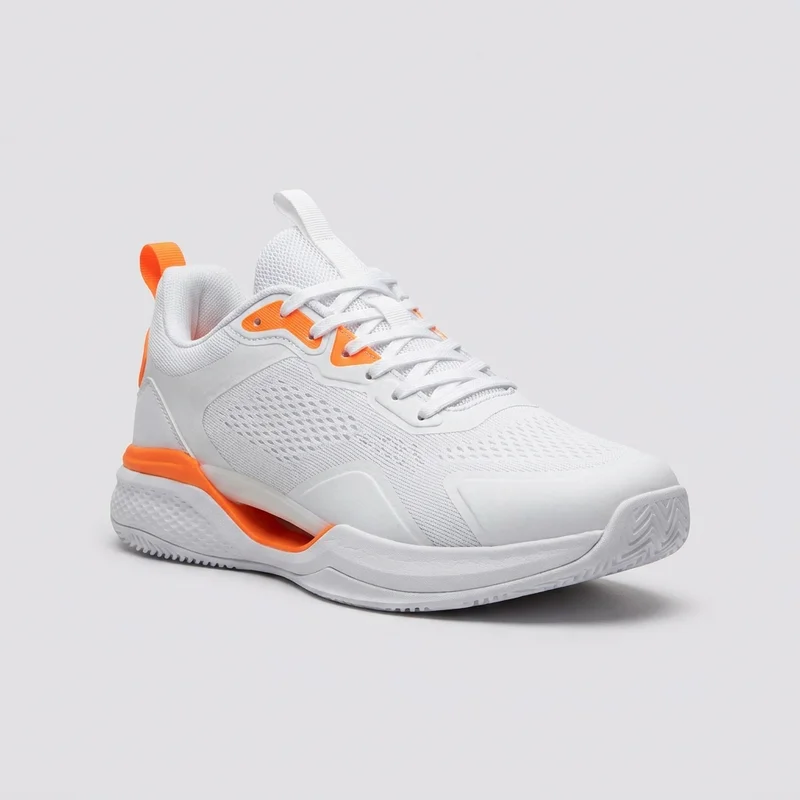 Input photo
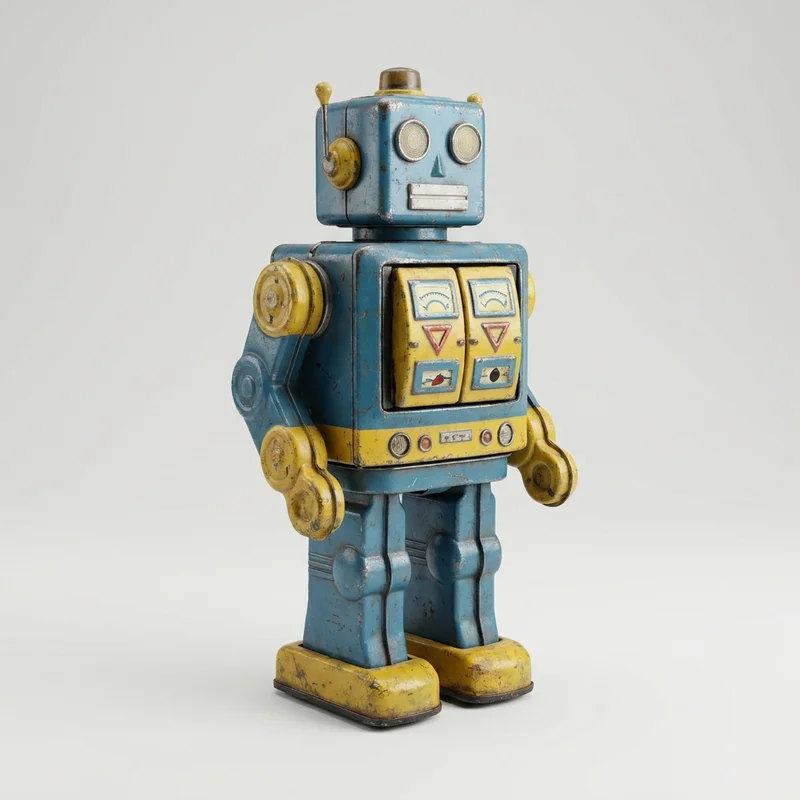 Input photo
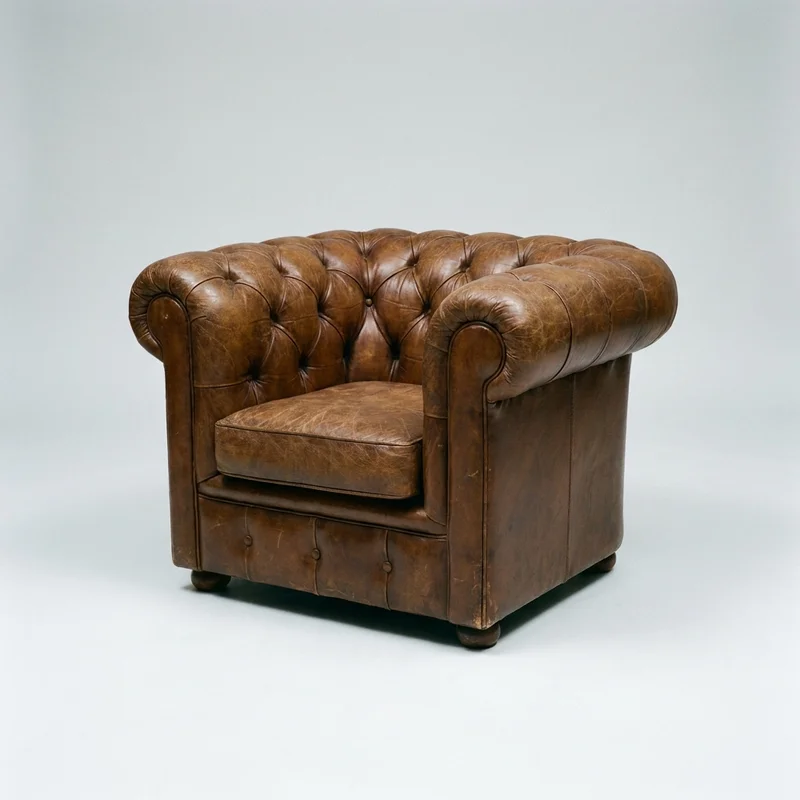 Input photo
What the Image to 3D Converter Actually Does
One picture in, a textured 3D model out — here is what that means in practice.
Input needed
1 photo
No multi-angle photogrammetry rig required
Typical generation
≈3 min
A watertight, textured 3D mesh
Export formats
GLB · OBJ · STL
Game, AR/VR & 3D-print ready
How to Convert an Image to 3D
Go from a flat picture to a usable 3D model in a few steps — no Blender, no CAD, no experience required.
Why Use Our Image to 3D Converter
Everything you need to turn pictures into accurate, production-ready 3D models — in your browser.
High-Fidelity Geometry
Clean, detailed meshes that stay true to your original image, ready for editing, rigging, and animation.
Realistic, True-to-Photo Textures
Rich textures are baked onto the model straight from your picture, so it looks right from every angle.
Any Image, Any Subject
Convert photos of people, products, characters, or objects. JPG, PNG, and WebP images are all supported.
Multi-Format Export
Download GLB, OBJ, and STL files — compatible with Blender, Unity, Unreal Engine, and 3D printers.
No Software, No Skills
Everything runs online in your browser. No Blender, no CAD, and no 3D modeling experience needed.
Fast AI Generation
Get a fully textured 3D model from a single picture in minutes, not hours of manual modeling.
Free to Start
Generate your first image-to-3D models for free. Upgrade only when you need more capacity.
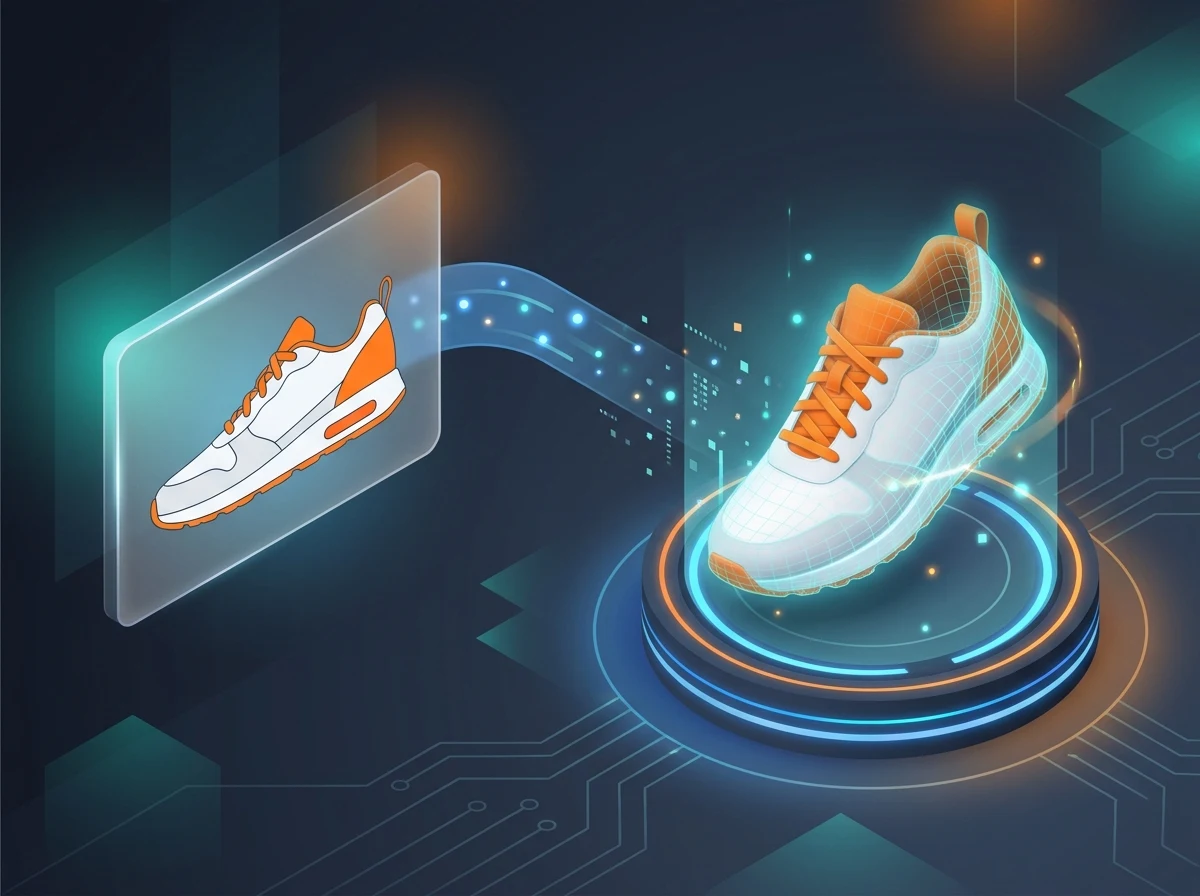
Built for Every 3D Workflow
Teams and creators use image to 3D to skip hours of manual modeling and ship faster.
- Game DevelopmentTurn concept art and reference photos into game-ready 3D assets for Unity and Unreal.
- 3D PrintingConvert a picture into a printable STL model and send it straight to your slicer.
- Product & E-CommerceCreate interactive 3D product views from a single product photo for your store or catalog.
- AR / VR & PrototypingGenerate 3D models from images for AR/VR scenes, mockups, and rapid prototyping.
How Image to 3D Works — and What It's Good At
Straight expectations so your first generation lands well, instead of a wall of marketing claims.
One image becomes a full 3D model
You don't need photogrammetry or multiple angles. The AI infers the sides your photo can't see and closes everything into a single watertight mesh you can rotate and inspect from behind.
PBR textures, not a gray blob
Color, roughness, and metallic detail are projected from your picture onto the mesh, so the model looks right in Blender, Unity, or a render straight out of the box — no manual texturing pass.
Sharpest on a clear single subject
Products, characters, toys, furniture, and props convert cleanly. Busy scenes, several overlapping objects, transparent glass, or heavy motion blur give weaker results — crop to one subject on a plain background for the best output.
An editable base mesh, not a black box
Export to GLB or OBJ and retopologize, rig, sculpt, or re-texture it in any tool. You get a clean starting model to build on, and you own what you make — commercial use included.
Faces and portraits? Use Face to 3D instead
This converter is tuned for general objects, products, and scenes. For head-and-shoulders portraits, our separate Face to 3D generator reconstructs facial geometry far more accurately.
One photo is enough — a few angles is a bonus
A single good picture works. If you happen to have two or three angles of the same object you can add them to sharpen accuracy, but unlike traditional photogrammetry it is never required.
Image to 3D — Frequently Asked Questions
Everything you need to know about converting images and pictures into 3D models.
What is image to 3D?
Image to 3D is an AI technology that converts a regular 2D image into a fully textured 3D model. You upload a photo, picture, or piece of concept art, and the AI reconstructs its depth, shape, and surface detail into a 3D file you can view, edit, print, or use in games and AR/VR.
How do I build a 3D model from an image?
Upload your image to the generator above, click Generate, and the AI builds the model in a couple of minutes. Preview it in the 3D viewer, then export it as GLB, OBJ, or STL. No Blender, CAD, or 3D modeling experience required — the whole process runs in your browser.
Is photo to 3D modeling free?
You can start for free: new accounts get free credits, enough to convert your first photos into 3D models at no cost. Paid plans add more generations when you need them, so you only pay once the tool has proven itself on your own images.
Which AI tool is best for image to 3D?
The best image to 3D tool depends on what you need: speed, mesh quality, and export formats. Our converter generates a fully textured model from one picture in about two to three minutes, runs entirely online, and exports GLB, OBJ, and STL — so you can judge the quality yourself on a free generation before committing to anything.
Can I turn an AI-generated image into a 3D model?
Yes — images from Midjourney, DALL·E, Stable Diffusion, or any other generator work just like photos. Many users design a concept in an image AI first, then convert it here into a 3D asset. Clean, front-facing renders of a single subject convert best.
Can AI make a 3D model from a single picture, without photogrammetry?
Yes. Unlike photogrammetry, which needs dozens of photos shot from every angle, this AI reconstructs a complete, watertight model — including the unseen back side — from a single picture. That's why it works on images you could never photograph again, like concept art or old product shots.
Is the result a real 3D mesh or just a heightmap relief?
It's a real, full 3D mesh. Simple image-to-STL converters emboss your picture into a flat relief (a lithophane or heightmap), but this AI rebuilds the actual object in the photo as true geometry you can rotate and inspect from every angle, with textures applied.
Can I 3D print the model I get from a picture?
Yes. Export your model as STL and load it straight into any slicer such as Cura, PrusaSlicer, or Bambu Studio. The generated mesh is solid geometry, so a photo of a figurine, part, or toy can become a printable model in minutes.
How do I use the generated 3D model in Blender?
Download the GLB or OBJ file and use File → Import in Blender — both formats import directly, with textures included in the GLB. From there you can retopologize, sculpt, rig, or refine the mesh like any other model. The same files also drop into Unity and Unreal Engine.
What image formats can I upload?
You can upload JPG, PNG, and WebP images up to 10MB. If you want to convert a JPG to a 3D model online, just drop the file in directly — there's no need to change the format first.
What 3D file formats can I export?
You can export your 3D model as GLB, OBJ, and STL. GLB and OBJ are ideal for games, AR/VR, and rendering in Blender, Unity, or Unreal, while STL is the standard format for 3D printing.
How long does image to 3D generation take?
Most images are converted into a textured 3D model in about two to three minutes. Generation time can vary slightly depending on the complexity of the subject and current demand.
What kind of picture gives the best 3D result?
Use a sharp, well-lit shot of a single subject on a clean background, ideally front-facing and at least 512×512 pixels. PNGs with transparent backgrounds work especially well. Avoid heavy shadows, motion blur, and multiple overlapping objects, which make depth harder for the AI to estimate.
Is picture to 3D the same as image to 3D?
Yes. Picture to 3D and image to 3D mean the same thing here — upload any picture, photo, or graphic and the AI converts it into a downloadable 3D model. There's no difference in the process or the result.
Ready to Turn Your Image into a 3D Model?
Upload a photo and generate your first 3D model free — preview it in 3D and export GLB, OBJ, or STL in minutes.